

电气条件
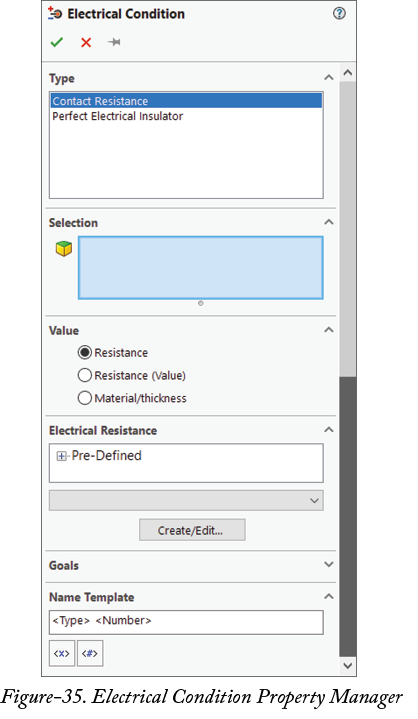
Electrical Condition 工具用于设置选定面的电气属性,例如接触处电阻和绝缘。应用电气条件的步骤如下。
- 从功能区中的
Electrical Features下拉列表中单击Electrical Condition工具。将显示Electrical Conditions属性管理器;请参阅图 35。
-
从
Type部分中选择所需电气属性类型。 - 单击选择框,并选择要应用电气属性(如电阻或绝缘)的面。
-
在属性管理器的
Value部分中指定所需参数,并单击 OK 按钮。